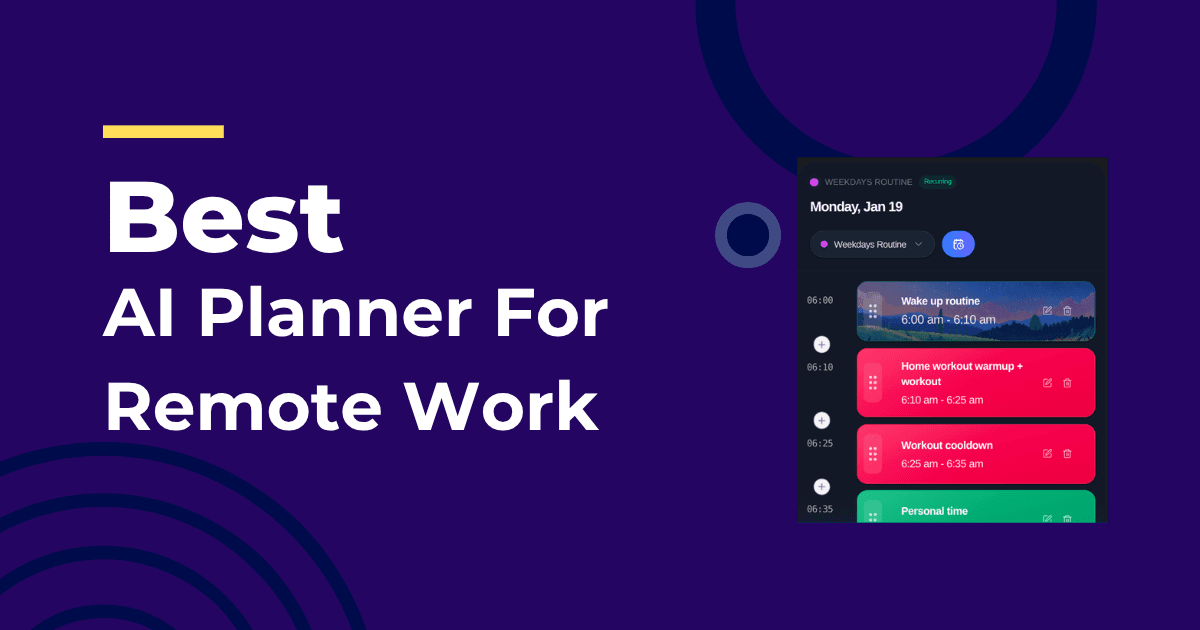
Remote work is great until your calendar becomes a game of Tetris. An AI planner gives you back structure without adding maintenance.
Core Challenges of Remote Schedules
- Meetings scattered across time zones
- Slack/email interruptions that fragment attention
- Blurry boundaries that slowly inflate the workday
Static planning isn’t built for this. Adaptive scheduling is. See Adaptive Scheduling Explained for context.
What the Right Planner Does
- Protects two daily focus windows and defends them from calendar creep
- Auto-places tasks into realistic gaps based on deadlines and energy
- Reshuffles the remaining day when meetings move
- Tracks actual time to improve future estimates
Compare options in Best AI Daily Planner 2026. If ADHD makes context switching harder, see Best AI Planner for ADHD.
A Weekly Rhythm That Works
- Monday: outcome planning, light admin, first deep work block
- Tue–Thu: two focus windows per day, meetings grouped mid-day
- Friday: demos, reflection, cleanup, lighter load
Keep a 30-minute buffer late afternoon daily. Your future self will thank you.
Frequently Asked Questions
How do I stop meetings from overrunning focus time?
Use a planner that marks focus windows as “busy” on your calendar and auto-restores them when meetings shift.
What about Slack pings?
Batch messages into the admin block. Let the system protect deep work blocks with Do Not Disturb rules.
How do I prevent workday creep?
Set working hours. A good planner respects boundaries and moves tasks to tomorrow instead of consuming your evening by default.
About the Author
Profazia builds planning for unpredictable days at IntelliRoutine. If your remote schedule needs structure that survives interruptions, start free.