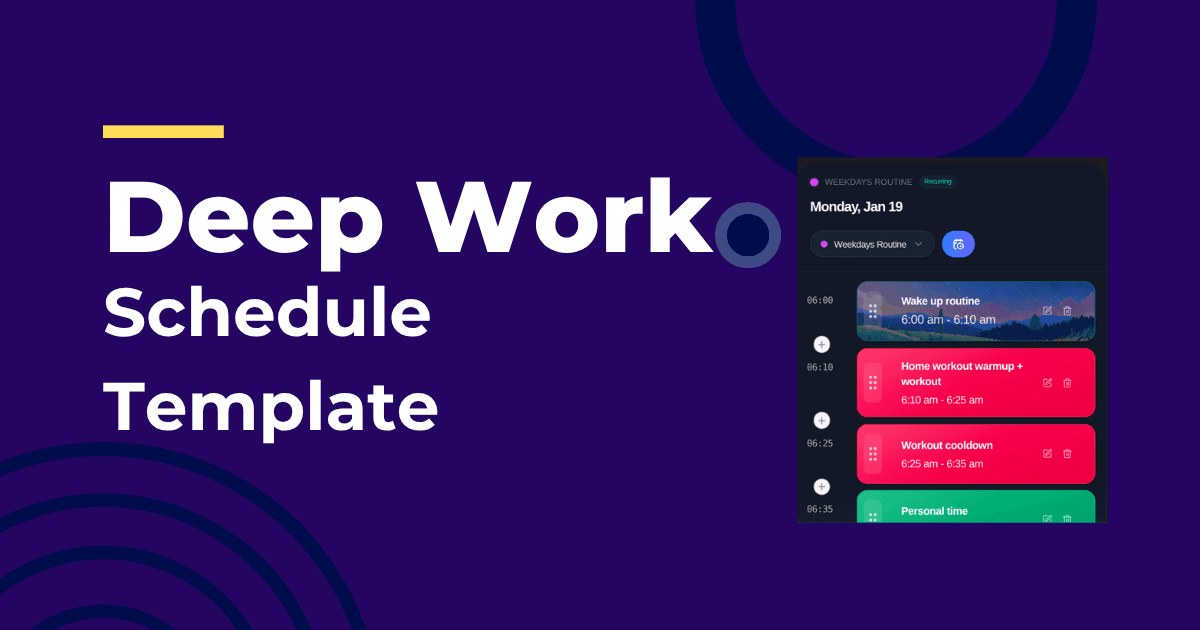
Protecting focus time matters. Keeping it when your day slips matters more. Here’s a deep work template that holds up under real-world change.
The Template
| Time | Block | Notes |
|---|---|---|
| AM focus window | 60–90 minutes | Your best cognitive hours |
| Midday admin | 30–45 minutes | Email, Slack, small tasks |
| PM focus window | 60–90 minutes | Second-best deep work slot |
| Overflow | 30 minutes | Catch-up or recovery |
How AI Keeps This Realistic
- Anchors meetings first, then protects your AM/PM focus windows
- Moves remaining work when interruptions happen
- Tracks actual vs estimated times to tune future blocks
This is exactly what IntelliRoutine does: defend focus while adapting the rest of your day. If you’re comparing options, see Best AI Daily Planner 2026.
Picking the Right Tasks for Focus Blocks
- Outcome clearly defined (“chapter draft,” not “research”)
- Single context (no data pulls mid-block)
- Sized to fit a 60–90 minute window
If you struggle with perfectionism or time blindness, combine this with timeboxing. See Timeboxing vs Time Blocking.
Frequently Asked Questions
How many deep work blocks should I have?
Two is plenty for most knowledge workers. One if your calendar is heavy. More than two often leads to unrealistic plans.
What if meetings crush my morning?
Shift the AM focus window to the earliest open slot. A good planner will move the PM block to keep two protected windows when possible.
How do I avoid context switching?
Batch tasks by project and keep the block dedicated to one outcome. Let the planner schedule admin outside of focus windows.
About the Author
Profazia builds planning that respects focus at IntelliRoutine. If you want a deep work schedule that survives interruptions, start free.