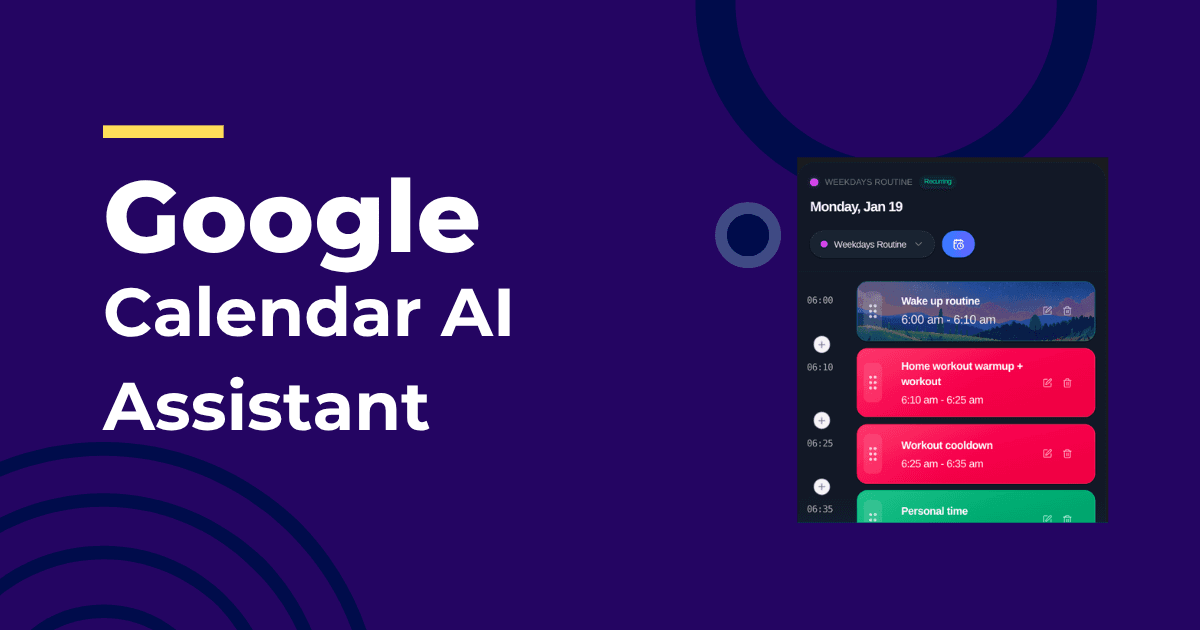
Calendars store events. You still need a plan. The gap is where most people lose the day.
A Google Calendar AI assistant bridges that gap by scheduling your tasks around your events, protecting deep work, and reshuffling when meetings move.
What a Good Assistant Does
- Syncs two-way with Google Calendar
- Defends focus windows from meeting creep
- Schedules tasks automatically based on deadlines and energy
- Resolves conflicts intelligently when invites shift
Tools approach this differently. Calendar-first teams may like Reclaim.ai; task-heavy teams may prefer Motion. If you want an always-up-to-date full-day plan, check IntelliRoutine and compare options in Best AI Daily Planner 2026.
A Lightweight Setup
- Define working hours and hard boundaries
- Create two recurring focus windows
- Connect your task source
- Enable automatic reshuffling when events change
- Review at lunch and end-of-day — mark done, let the rest move
Common Pitfalls and Fixes
- Overbooking deep work: keep two windows, not five
- Ignoring buffers: add 10–15 minutes between blocks
- Treating everything as urgent: give tasks real deadlines
If ADHD is part of your life, minimizing manual replanning is essential. See Best AI Planner for ADHD for a tailored breakdown.
Frequently Asked Questions
Will my meetings get pushed?
A good assistant never moves external events. It moves your tasks and internal blocks around them.
What if my day explodes at noon?
That’s where adaptive scheduling earns its keep. Your afternoon rebalances instantly and tomorrow adjusts to preserve deadlines.
Can this help an entire team?
Yes. Shared focus agreements and automatic buffers reduce calendar thrash. You’ll still need norms, but the assistant does the heavy lifting.
About the Author
Profazia builds adaptive planning at IntelliRoutine. If you want your calendar to act like a plan, not just a record, try it free.