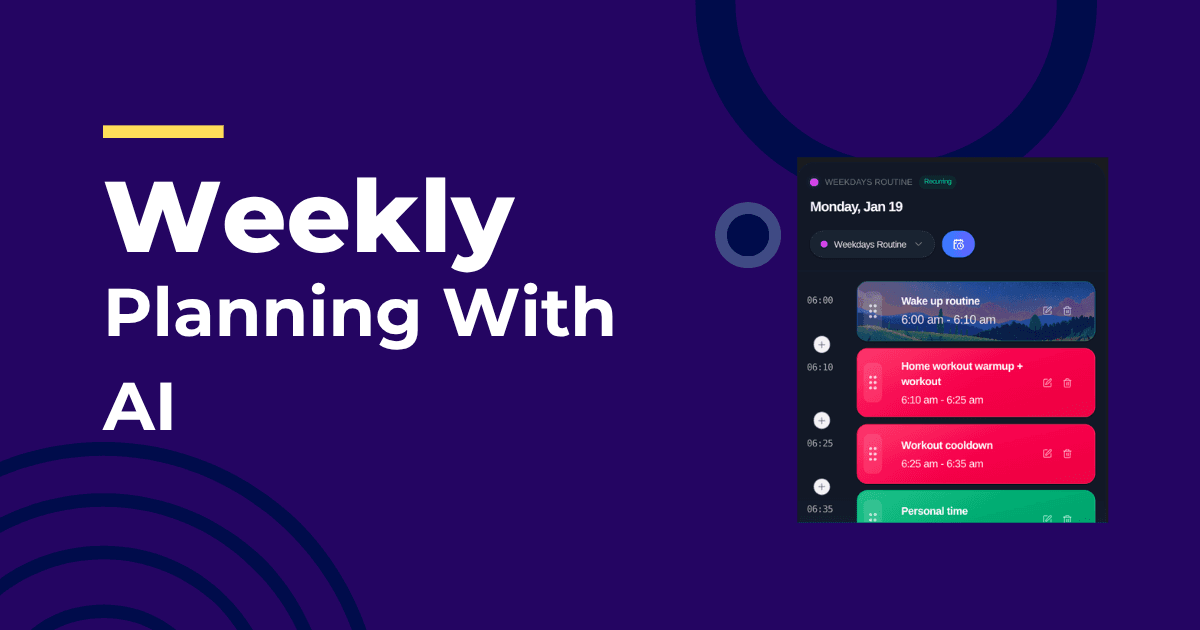
Most weekly plans die by Wednesday. The fix is not more planning — it’s planning that keeps itself updated.
The 30-Minute Sunday Setup
- Pick 3 outcomes for the week
- Estimate effort for each (small/medium/large)
- Block two focus windows per weekday
- Assign one outcome per day’s AM window first
- Let the planner fill the PM windows and admin blocks automatically
Mid-Week Chaos Protocol
When the week shifts:
- Mark done/skip after each block
- Let the system roll unfinished work forward
- Reconfirm the top weekly outcome daily
For the underlying mechanism, see Adaptive Scheduling Explained. To compare tools, see Best AI Daily Planner 2026.
Make It ADHD-Friendly
- Low-friction entry (plain language tasks)
- No streak punishment (resume without guilt)
- One clear “do this next” surface
See Best AI Planner for ADHD for a deeper breakdown.
Frequently Asked Questions
Should I plan weekends?
Plan rest first. If you must work, schedule a single short block with a clear outcome and protect it like a meeting.
How do I handle carryover tasks?
Let the planner cascade them forward automatically, then re-affirm priorities. Manual re-planning is where most people quit.
Does this work for teams?
Yes. Shared focus windows and automatic buffers reduce thrash and protect the week’s outcomes.
About the Author
Profazia builds adaptive routine planning at IntelliRoutine. If you want weekly plans that survive reality, start free.